To print your HPCSA card follow these steps:
- Click on this link or copy and paste this link in your internet browser:
https://hpcsaonline.custhelp.com/app/home
2. When you arrive on this page enter your log in details:

3. When you arrive on this page (after logging in) click on “Account Overview” on the top right-hand side of the menu bar
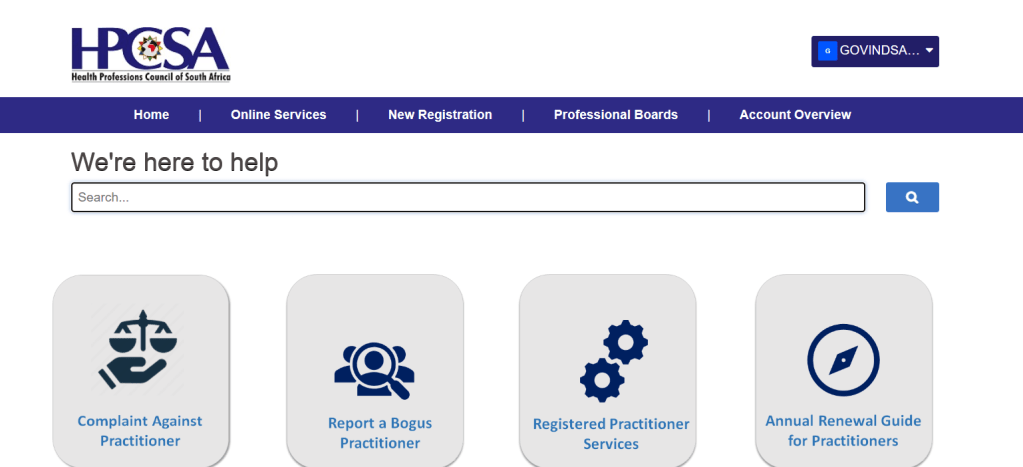
4. On the left-hand side of the page you will see “My Registrations”
5. Click on “Download Card” if your HPCSA fees are fully paid up. It will take a while to appear so please be patient. Scroll down and you may click on “Download Card” or “Email Card”
 ECIPA Healthcare